Video Testimonial Lighting: A Non-Technical Guide to Looking Professional
Simple, actionable lighting tips for video testimonials — no film school required. Covers natural light, budget ring lights, common mistakes, and how to guide your customers to look great on camera.
Pavel Putilin
Founder
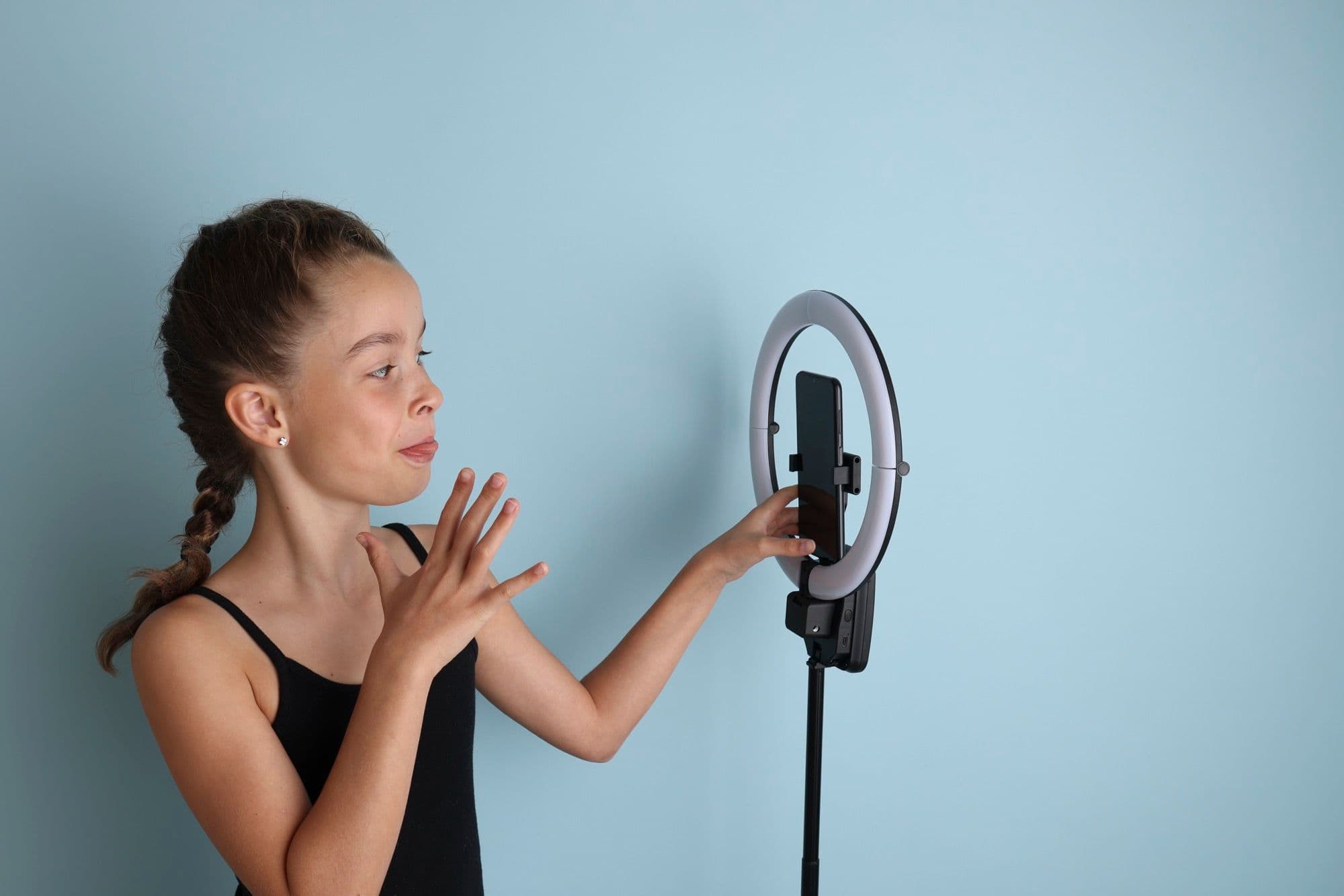
Here's a truth that took me a while to accept: lighting is the single biggest quality differentiator in video testimonials. Not the camera. Not the microphone. Not the background. Lighting.
You can shoot on a $200 webcam with decent lighting and it'll look better than a $3,000 camera setup with bad lighting. I've seen this play out hundreds of times through VideoTestimonials — customers send in recordings from identical laptop cameras, and the ones with good lighting look professional while the ones with bad lighting look like they were filmed in a bunker.
The good news? Good lighting for video testimonials is surprisingly simple. You don't need film school knowledge, expensive equipment, or any technical skill. You need to understand about five concepts and follow a few basic rules.
This guide covers everything — from zero-cost natural light setups to budget-friendly gear, common mistakes that make people look terrible, and how to send instructions to customers who are recording testimonials remotely.
Why Lighting Matters More Than You Think
Before we get tactical, let's understand why lighting has such an outsized impact on testimonial quality.
When someone watches a video testimonial, they're making an unconscious judgment within the first 2-3 seconds: "Does this look credible?" That judgment is driven primarily by visual quality — and visual quality is driven primarily by lighting.
Well-lit testimonials signal:
- Professionalism (this person/company has their act together)
- Trustworthiness (nothing is being hidden in shadows)
- Effort (they cared enough to do this properly)
Poorly-lit testimonials signal:
- Amateurism (which undermines the credibility of the endorsement)
- Carelessness (if they didn't bother with basics, how reliable is their opinion?)
- Low production value (which can reflect poorly on the brand being endorsed)
This isn't rational. A customer's testimonial is equally valid whether they're well-lit or sitting in darkness. But video is an emotional medium, and lighting shapes the emotional response viewers have before a single word is spoken.
Stop losing customers to weak social proof
VideoTestimonials lets you collect, manage, and embed video + text testimonials in minutes. Free for 7 days, no credit card.
The Free Setup: Natural Light
The best lighting source for video testimonials costs exactly nothing. It's a window.
Natural light from a window produces soft, flattering illumination that's hard to replicate with artificial lights — especially at budget price points. If you or your customer can sit near a window during recording, you're already 80% of the way to great lighting.
How to Use Window Light Correctly
Face the window. This is the most important rule in the entire guide. The person recording should face a window so that natural light falls on their face from the front. The window should be roughly at eye level or slightly above — not below.
The window should be to the side or front, never behind. If the window is behind the person, their face becomes a dark silhouette. This is the single most common lighting mistake in remote video testimonials. The camera sees the bright window and adjusts exposure accordingly, turning the person's face into a shadow.
Ideal window light conditions:
- Overcast day (clouds act as a natural diffuser, creating soft even light)
- North-facing window (consistent light throughout the day, no direct harsh sun)
- Window with sheer curtains (diffuses direct sunlight)
Conditions to avoid:
- Direct harsh sunlight streaming through the window (creates strong shadows on the face)
- Late afternoon golden hour from a west-facing window (looks warm but can create uneven lighting)
- Tiny windows far from the recording position (not enough light)
The Two-Window Setup
If the room has windows on two walls, you can create a professional two-light setup for free:
- Sit so one window is roughly in front of you and slightly to one side (this is your "key light" — the main light source)
- The second window should be off to the other side or slightly behind (this is your "fill light" — it softens shadows)
This naturally creates dimensionality in the image — the face has gentle highlights and shadows rather than looking flat. It's the same lighting principle that professional studios spend thousands of dollars to recreate.
What About Nighttime or Windowless Rooms?
Not everyone can record during daylight hours, and some offices are interior rooms without windows. That's where affordable artificial lighting comes in.
Budget Lighting Gear That Actually Works
If natural light isn't an option — or if you want a consistent setup that works regardless of time or weather — here's what to buy. I'm listing these in order of bang-for-your-buck.
Ring Light ($25-$60)
A ring light is the single most recommended piece of lighting gear for video testimonials, and for good reason. It wraps light evenly around the camera lens, which:
- Eliminates harsh shadows on the face
- Creates a flattering, even illumination
- Produces a subtle catchlight in the eyes (the small bright reflection that makes eyes look alive)
- Works in any room regardless of ambient lighting
What to look for:
- 10-inch or larger diameter (smaller ones don't produce enough light)
- Adjustable color temperature (ability to switch between warm and cool light)
- Adjustable brightness (so you can dial it to match your environment)
- Sturdy stand or desk mount
How to use it: Mount the ring light directly behind or around your camera/laptop so it faces you straight on. Set it to a neutral color temperature (around 4500-5000K) and medium brightness. Adjust from there based on how it looks on camera.
A ring light alone will dramatically improve the quality of any webcam or phone recording. If you're going to buy one thing from this guide, buy a ring light.
Desk Lamp With Diffusion ($15-$30)
If a ring light isn't available, a regular desk lamp can work surprisingly well with one modification: diffusion.
Direct light from a bare desk lamp creates harsh, unflattering shadows. But if you soften it — by bouncing it off a white wall, draping a thin white cloth over the shade (not touching the bulb), or positioning it behind a sheet of white paper — you get a much more flattering light.
Steps:
- Position the desk lamp to your left or right, at roughly head height
- Angle it toward your face, but not directly at your eyes
- Add diffusion (white paper, thin fabric, or bounce off a wall)
- If shadows are too harsh on one side, place a white sheet of paper or poster board on the opposite side to bounce light back as fill
LED Panel ($40-$80)
If you're recording testimonials regularly or equipping multiple team members, a small LED panel light is worth the investment. These are the rectangular lights you see on YouTube setups.
Advantages over ring lights:
- More natural-looking light (less "YouTuber" aesthetic)
- Can be positioned to create more dimensionality
- Often more powerful
- Some models have built-in diffusion
Positioning: Place the LED panel 45 degrees to the left or right of the camera, slightly above eye level, angled down toward the face. This is the classic "Rembrandt lighting" position — it creates a subtle triangle of light on the shadowed side of the face and looks genuinely professional.
The Three Most Common Lighting Mistakes
After reviewing thousands of customer-submitted video testimonials, I can tell you that the same three mistakes account for roughly 90% of all lighting problems.
Mistake 1: Backlit Silhouette
What it looks like: The person is a dark shape against a bright background. You can barely see their face.
Why it happens: They sat with a window or bright light source behind them. The camera auto-adjusts to the bright background and underexposes the face.
The fix: Turn around. Face the light source. If the window is behind you, either move to the other side of the desk or close the blinds and use artificial light from the front.
This mistake alone accounts for probably 40% of all bad testimonial lighting. It's the first thing I mention in any recording instructions.
Mistake 2: Overhead-Only Lighting
What it looks like: The person has dark shadows under their eyes, nose, and chin. They look tired, older, and slightly sinister — like a villain in a horror movie.
Why it happens: The only light source is the overhead room light (ceiling fixture or recessed lighting). These lights shine straight down, creating unflattering shadows in every facial concavity.
The fix: Add frontal light. Even turning on the laptop screen brightness to maximum and positioning a white document in your lap (to bounce screen light upward) helps. Better: add a ring light or desk lamp at face level.
Mistake 3: Mixed Color Temperatures
What it looks like: Part of the person's face looks orange/warm and part looks blue/cool. Or the whole image has an unpleasant greenish tint.
Why it happens: Multiple light sources with different color temperatures are competing. For example, warm overhead incandescent lights mixed with cool daylight from a window. Fluorescent office lighting is the worst offender — it often has a green cast that makes skin look sickly.
The fix: Commit to one light source as your primary illumination. If using window light, turn off room lights. If using a ring light, close the blinds. Consistency of color temperature matters more than the specific temperature.
How to Guide Customers for Remote Recording
Most video testimonials in 2026 are recorded remotely — you send a customer a recording link, they film themselves. This means you're not there to adjust their lighting. You need to give them instructions that are clear enough to follow without any lighting knowledge.
For a comprehensive breakdown of remote video recording best practices, check out our glossary entry. And for the complete recording workflow, see our guide to recording professional video testimonials for free.
The Lighting Instruction Template
Here's the exact set of instructions I recommend sending to customers before they record. Feel free to copy and adapt this:
Quick Lighting Tips (2 minutes to set up)
Great lighting makes a huge difference in video quality. Here's all you need to do:
-
Find a window and face it. Sit so natural light from a window hits your face from the front. This is the single most impactful thing you can do.
-
Avoid sitting with a window behind you. If the bright light is behind you, your face will appear dark and shadowy on camera.
-
If there's no window available, turn on a desk lamp and position it behind your laptop/camera so it lights your face from the front.
-
Turn off overhead room lights if you're using window light. They can create unflattering shadows under your eyes.
-
Do a quick test. Open your camera app and check how you look. If your face is well-lit and you can clearly see your eyes, you're good to go.
That's it. Five short instructions. In my experience, customers who follow even the first two rules produce dramatically better footage than those who receive no guidance.
What to Do When Customer Footage Has Bad Lighting
Despite your best instructions, some customers will record in poor lighting conditions. Here are your options:
Minor issues (slightly dark, minor shadows):
- Fix in post-production. Most video editors can boost exposure, adjust shadows, and correct white balance. A 30-second edit can rescue marginally-lit footage.
Major issues (full silhouette, extreme color cast):
- Ask for a re-record. Be diplomatic: "The content was great! We just had a small technical issue with the lighting — could we do a quick re-record? It'll only take 5 minutes and I've included a couple of tips to make sure the lighting is perfect this time."
- Most customers are happy to re-record when you frame it positively and make it easy.
Unsalvageable footage from a critical customer:
- Consider converting to audio-only with their photo and name card displayed. A well-designed audio testimonial graphic with the customer's headshot, name, and a key quote overlaid is still more effective than no testimonial at all.
Advanced Tips for In-House Teams
If you're recording testimonials frequently — either in your own office or at events — these additional techniques will level up your production quality.
Three-Point Lighting (The Professional Standard)
Professional video production uses a three-point lighting setup:
- Key light: Your main light source, positioned 45 degrees to one side of the camera and slightly above eye level. This is the primary illumination.
- Fill light: A softer light on the opposite side, at roughly camera height. It fills in the shadows created by the key light. Should be about half the brightness of the key light.
- Back light (hair light): A light behind and above the subject, angled down toward the back of their head and shoulders. This separates them from the background and adds depth.
You can achieve this with three LED panels ($120-$240 total) or even two panels and a desk lamp. The result looks noticeably more polished than single-light setups.
Background Lighting
A common mistake even experienced recorders make: lighting the person well but ignoring the background. A well-lit person against a dark, murky background looks strange.
If the background is too dark relative to the person, either:
- Add a small light pointing at the background wall
- Use a background with its own light source (a window slightly out of frame, a desk lamp in the background)
- Move the person further from the background so there's visual separation
Eye Light and Catchlights
Pay attention to the person's eyes on camera. Professional videos always have "catchlights" — small bright reflections in the eyes. These make the person look alive, engaged, and trustworthy. Ring lights naturally create catchlights (it's one reason they're so popular). If using other light sources, make sure at least one creates a visible reflection in the subject's eyes.
Lighting for Different Skin Tones
This is something most lighting guides skip entirely, and it shouldn't be skipped.
Different skin tones interact with light differently, and a lighting setup that works perfectly for one person may not be optimal for another.
For darker skin tones:
- Slightly increase the key light intensity — cameras tend to underexpose darker skin
- Use warmer color temperatures (3500-4500K) which tend to be more flattering
- Avoid pure white or very cool backgrounds, which can cause the camera to further underexpose the face
- Check the histogram or exposure meter to ensure the face is properly exposed
For lighter skin tones:
- Watch for overexposure (washed-out highlights on the face)
- Slightly cooler color temperatures (4500-5500K) often work well
- Avoid positioning multiple strong lights close together, which can blow out details
For all skin tones:
- Diffused light is universally more flattering than harsh direct light
- Avoid pure green or fluorescent lighting, which tends to look unflattering on everyone
- Do a preview recording and adjust based on how the person actually looks on camera, rather than assuming one setup works for everyone
The Minimum Viable Lighting Checklist
If you take nothing else from this guide, follow this four-point checklist. It covers 90% of what matters:
- Light source is in front of the face, not behind it
- No harsh shadows under the eyes or nose
- Consistent color (no mixing warm and cool lights)
- Face is clearly visible — you can see the person's eyes and expressions
That's it. Nail these four things and your video testimonials will look professional. Everything else in this guide is optimization on top of a solid foundation.
For the complete recording workflow — including audio, framing, backgrounds, and editing — read our full guide to recording professional video testimonials. And for a comprehensive overview of video testimonials from start to finish, see our complete guide to video testimonials.
Good lighting doesn't require talent, money, or technical knowledge. It requires awareness of about five principles and 2 minutes of setup time. That small investment makes the difference between a testimonial that builds trust and one that undermines it.
Pavel Putilin
·FounderFounder of VideoTestimonials. Passionate about helping businesses build trust through authentic customer stories and video social proof.
Frequently asked questions
What is the best lighting setup for a video testimonial?+
The simplest reliable setup is a large, soft light source in front of the person, slightly above eye level, with the subject facing a window or ring light rather than sitting with a window behind them. Soft, front-facing light flatters the face, removes harsh shadows, and reads as professional. You do not need multiple lights or expensive gear to get this right.
Do I need to buy expensive equipment to light a video testimonial well?+
No. A window with indirect daylight costs nothing and often looks better than a pricey studio kit used incorrectly. If you want consistency, a budget ring light in the $30 to $50 range is enough for most talking-head testimonials. Good lighting matters far more than an expensive camera.
How do I get customers recording remotely to light themselves properly?+
Send a short, plain-language instruction with the recording link, telling them to face a window or lamp rather than sitting with a bright window behind them, and to avoid overhead ceiling lights that cast shadows under the eyes. A one-paragraph checklist plus a quick test clip prevents most problems. Tools like VideoTestimonials let customers record in the browser, so you can pair the link with these tips directly.
Why does my customer look dark or shadowy on camera?+
The most common cause is backlighting, where a bright window or light sits behind the person, forcing the camera to expose for the background and leaving the face in shadow. Turn the person around so the light falls on their face instead. Overhead-only lighting is the second common culprit because it creates dark hollows under the eyes and nose.
Related Glossary Terms
B-Roll
Supplementary footage that is intercut with the primary interview footage to add visual variety and context.
Screen Recording
A video capture of on-screen activity, often used in testimonials to demonstrate product usage and results.
Talking Head Video
A video format featuring a person speaking directly to the camera, commonly used for testimonials and vlogs.
Video Resolution
The number of pixels displayed in each frame, typically expressed as width by height (e.g., 1920x1080 for Full HD).
Related Articles
Related Articles

Why You Should Transcribe Every Video Testimonial (And How to Do It)
Discover the SEO, accessibility, and content repurposing benefits of transcribing video testimonials. Includes tools, best practices, and implementation guidance.

Building a Testimonial Approval Workflow: From Submission to Published
Design a structured testimonial approval workflow covering quality review, legal clearance, customer sign-off, and publication. Includes templates and checklists.

How to Turn NPS Promoters into Video Testimonials (Automated Pipeline)
Build an automated pipeline that identifies NPS promoters and converts them into video testimonials. Covers survey design, trigger logic, outreach, and recording workflows.

Build trust.
Drive revenue.
Stop losing customers to a lack of social proof. Start collecting and showcasing high-converting testimonials today.