How to Turn NPS Promoters into Video Testimonials (Automated Pipeline)
Build an automated pipeline that identifies NPS promoters and converts them into video testimonials. Covers survey design, trigger logic, outreach, and recording workflows.
Pavel Putilin
Founder
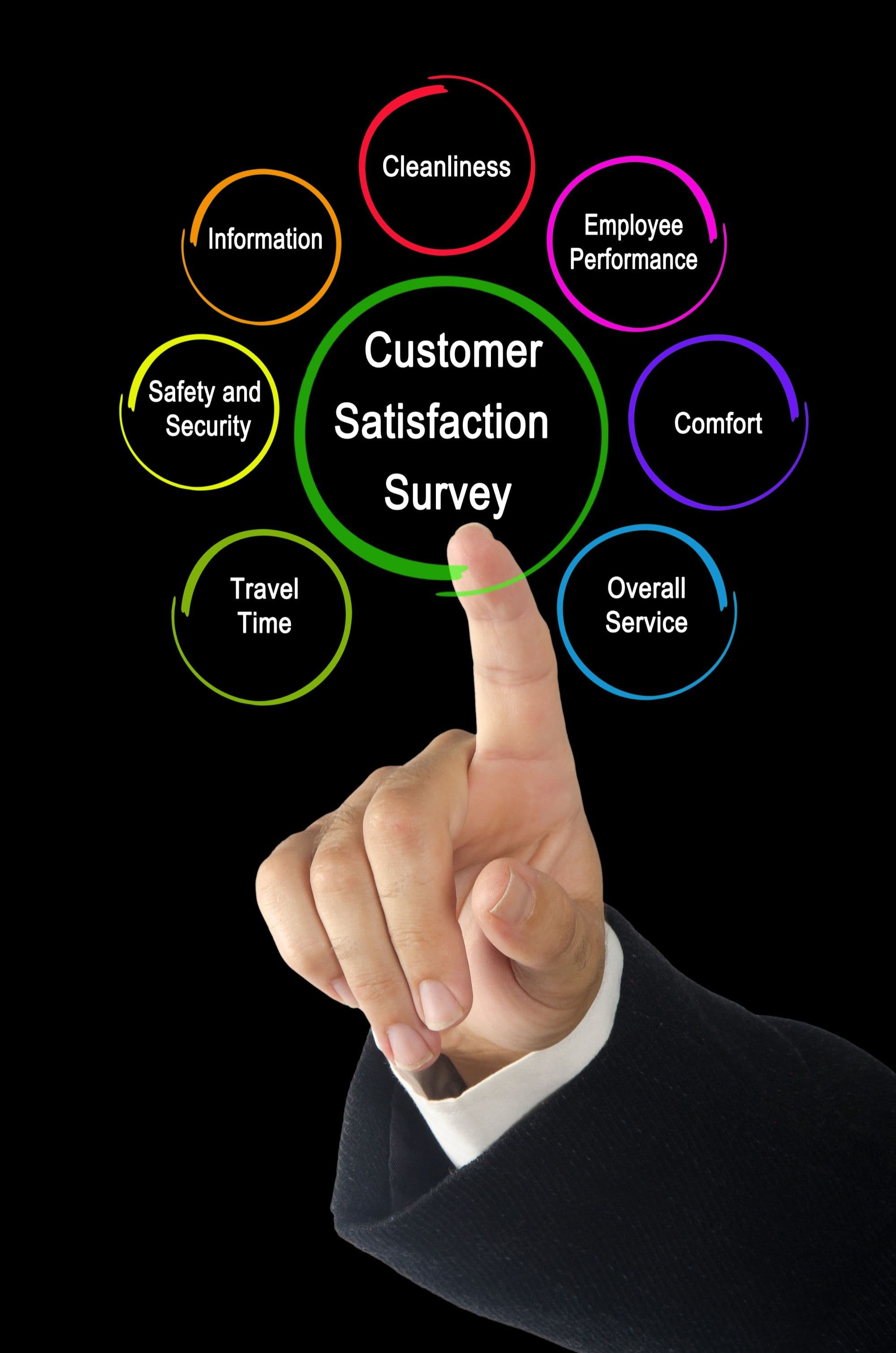
Your NPS survey is already doing the hard part. Every quarter (or every month, or after every major interaction), you are asking customers how likely they are to recommend you. The promoters, those giving you a 9 or 10, have just told you they love your product. Most companies thank them and move on.
That is a massive missed opportunity. NPS promoters are the warmest testimonial leads you will ever find. They have literally just expressed enthusiasm about your product. The gap between "I would recommend this" and "Let me tell you why on camera" is smaller than you think.
This guide walks you through building an automated pipeline that identifies promoters, reaches out at the right moment, makes recording easy, and funnels completed testimonials through an approval process to publication.
Why NPS Promoters Make the Best Testimonial Candidates
Before we build the pipeline, it is worth understanding why NPS promoters convert into testimonials at higher rates than cold outreach.
Timing: They just gave you a high score. The positive sentiment is fresh. Contrast this with reaching out to a random customer six months after their last interaction. The promoter is in the right emotional state right now.
Self-selection: By scoring you a 9 or 10, they have already self-identified as advocates. You are not guessing who might be willing to give a testimonial. They have told you.
Reciprocity: The NPS survey is a low-effort interaction that makes customers feel heard. Asking for a testimonial immediately after creates a natural flow. They have already invested a small amount of effort, which makes investing a bit more feel like a continuation rather than a new demand.
Authenticity: Promoters who agree to give testimonials produce more genuine, enthusiastic content. They are not doing it as a favor or because they were pressured. They are doing it because they genuinely like your product, and that comes through on camera.
Companies that build an NPS-to-testimonial pipeline typically see three to five times the conversion rate compared to cold testimonial outreach, often achieving 15 to 25 percent of promoters agreeing to record a video.
Stop losing customers to weak social proof
VideoTestimonials lets you collect, manage, and embed video + text testimonials in minutes. Free for 7 days, no credit card.
Pipeline Architecture Overview
Here is the full flow at a high level:
- NPS survey sent (automated, trigger-based)
- Response received and scored
- Promoter identified (score 9-10)
- Automated thank-you with testimonial ask (immediate or delayed)
- Recording link sent (async video collection)
- Video submitted by customer
- Internal review and quality check
- Customer approval of final version
- Published to website, social, and marketing channels
Each step can be automated to varying degrees. Let us break down every stage.
Step 1: Designing the NPS Survey for Testimonial Conversion
Your NPS survey needs a small addition to set up the testimonial ask. Most NPS surveys have two elements: the 0-to-10 score and an open-ended follow-up question. Add a third element for promoters only.
The Standard Elements
- Score question: "On a scale of 0-10, how likely are you to recommend [product] to a friend or colleague?"
- Follow-up question: "What is the primary reason for your score?"
The Testimonial Primer
For respondents who give a 9 or 10, add a conditional question:
- "Thanks for the kind words! Would you be open to sharing your experience in a short video testimonial? It takes about 2-3 minutes."
- Yes, I would love to
- Maybe later
- No thanks
This question does two things. First, it filters for willingness, so you are not blindly asking everyone. Second, it primes the promoter for the follow-up request, so they are not surprised when the testimonial ask arrives.
Survey Timing
When you send the NPS survey affects testimonial quality:
- After onboarding completion: Good for testimonials about the setup experience and early wins
- After a key milestone: (e.g., first 100 responses collected, first successful campaign) Ideal for result-focused testimonials
- Quarterly cadence: Captures ongoing satisfaction and evolving stories
- After a support interaction: Good for service-focused testimonials
The best testimonials come from customers who have achieved a specific result, so timing your survey after milestones tends to produce the richest content.
Step 2: Automated Promoter Identification and Routing
Once the survey response comes in, your system needs to identify promoters and route them into the testimonial pipeline.
Technical Implementation
Most NPS tools (Delighted, AskNicely, Wootric, or even simple Typeform surveys) support webhooks or integrations. When a response comes in:
- Check the score: Is it 9 or 10?
- Check the optional question: Did they say "Yes" or "Maybe later"?
- Check customer data: Are they a good testimonial candidate? (More on criteria below)
- Route accordingly: Add to the appropriate workflow
Candidate Scoring Criteria
Not every promoter makes an equally good testimonial subject. Score candidates on:
- Account health: Active usage, on time with payments, no open support issues
- Company profile: Recognizable brand name, relevant industry, appropriate size
- Relationship length: Customers who have been with you for three or more months tend to give more substantive testimonials
- Previous interactions: Have they already given a testimonial recently? Avoid over-asking
- Specific results: Does their account data show measurable improvements they can speak to?
Score each criterion and set a threshold. Only candidates above the threshold enter the automated pipeline. Below-threshold promoters still get a thank-you, just not a testimonial ask.
CRM Integration
Tag qualified promoters in your CRM (HubSpot, Salesforce, or equivalent) so that:
- Customer success managers are aware of the ask
- Sales can reference it if the customer is in an expansion conversation
- Marketing can track pipeline volume and conversion rates
- The customer feedback loop is closed with visibility across teams
Step 3: The Automated Testimonial Ask
This is the most critical step. How and when you ask determines your conversion rate.
Timing the Ask
You have two options:
Immediate ask (within the survey flow): If the customer said "Yes" to the testimonial primer question, redirect them to a thank-you page with a recording link immediately. This captures them at peak enthusiasm. Conversion rates for immediate asks are typically 20 to 30 percent.
Delayed ask (1-3 days later): Send a personalized email within one to three days of the survey. This gives the customer time but catches them while the sentiment is still fresh. Conversion rates are typically 10 to 20 percent but the testimonials tend to be more thoughtful.
We recommend the immediate ask as the primary path with a follow-up email for those who do not complete the recording.
Email Template for the Ask
Here is a template that consistently converts well:
Subject: You made our day, [First Name] — quick favor?
Body:
Hi [First Name],
Thank you for the amazing feedback in your recent survey. Hearing that [reference their open-ended response or the fact they scored you a 9/10] genuinely means a lot to our team.
We would love to share your experience with others who are evaluating [product]. Would you be willing to record a short video testimonial? It takes 2-3 minutes and you can do it right from your browser.
[Record My Testimonial — Button]
Here is what to expect:
- You will see a few simple questions on screen to guide you
- Record using your webcam (no special equipment needed)
- You can re-record as many times as you want
- We will share the final version with you before publishing anything
Thank you again for being such a great customer.
[Sender Name]
Follow-Up Sequence
Not everyone responds on the first ask. Automate a follow-up sequence:
- Day 3: Gentle reminder with the same link
- Day 7: Second reminder with a slightly different angle ("We would love to feature [Company Name] as a success story")
- Day 14: Final ask, potentially offering a small incentive or making the ask even easier ("Even a 60-second clip would be amazing")
- After Day 14: Stop asking. Mark as declined and exclude from future testimonial asks for at least six months.
For a comprehensive look at automating your entire testimonial collection process, see our guide on customer testimonial automation.
Step 4: The Recording Flow
Making the recording process as frictionless as possible is essential. Every point of friction loses you potential testimonials.
Async Video Collection
Async video recording, where the customer records on their own time using a web-based tool, converts significantly better than scheduling live recording sessions. The customer does not need to coordinate calendars, set up special equipment, or feel the pressure of a live session.
A good recording flow works like this:
- Customer clicks the recording link
- They see a welcome screen explaining what to expect (30 seconds of reading)
- Two to four guided questions appear on screen, one at a time
- They record their response to each question using their webcam
- They can preview and re-record each answer
- They submit when they are happy with the result
Guided Questions That Produce Great Testimonials
The questions you display during recording shape the quality of the final testimonial. Use these as starting points:
- "What challenge or problem led you to look for a solution like [product]?"
- "How has [product] helped you solve that challenge?"
- "What specific results or improvements have you seen?"
- "What would you tell someone who is considering [product]?"
These four questions create a natural story arc: problem, solution, result, recommendation. They also naturally produce keyword-rich content that works well for marketing.
Technical Considerations
- Browser-based recording: No app downloads required
- Mobile support: Some customers will want to record on their phone
- Upload fallback: Allow customers to upload a pre-recorded video if they prefer
- Time limits: Set a gentle time limit per question (60-90 seconds) to keep testimonials concise
- Quality settings: Default to 1080p if the customer's camera supports it
For a deeper guide on collecting video testimonials effectively, see our how to collect video testimonials guide.
Step 5: Internal Review and Quality Check
Once a video is submitted, it enters the review stage. This is where you ensure the testimonial meets your quality standards before going further.
Quality Criteria
Review each submission for:
- Audio quality: Is the customer audible? Is there excessive background noise?
- Visual quality: Is the lighting acceptable? Is the camera stable?
- Content quality: Does the customer articulate a clear problem, solution, and result? Are there specific, quotable moments?
- Brand safety: Does the customer say anything that could be problematic? Do they mention competitors in a way that could cause issues?
- Length: Is the testimonial within your target range (typically 60 to 180 seconds total)?
Light Editing
Most testimonials benefit from light editing:
- Trim dead air at the beginning and end
- Remove long pauses or verbal stumbles if they distract from the message
- Add a branded intro and outro
- Include lower-third text with the customer's name, title, and company
- Add captions for accessibility and social media use
Keep editing minimal. Over-produced testimonials lose the authenticity that makes them effective. The goal is to clean up, not to transform.
Step 6: Customer Approval
Never publish a testimonial without the customer's explicit approval of the final version. This step protects you legally and maintains trust.
Approval Workflow
- Send the customer the edited video via a private link
- Ask them to confirm they are happy with it or request changes
- Set a deadline (7-10 days) with an automatic reminder at the midpoint
- If they approve, mark the testimonial as cleared for publication
- If they request changes, make the edits and send for re-approval
What Approval Should Cover
The approval should explicitly cover:
- The video content itself
- Where you plan to use it (website, social media, ads, sales materials)
- How long you plan to use it (perpetual license is ideal but should be stated)
- Whether you can use excerpts or only the full video
Get this in writing. A simple email confirmation is sufficient for most purposes, but a formal release form is better for larger organizations.
Step 7: Publication and Distribution
Approved testimonials enter your distribution pipeline. The key is getting maximum mileage from each testimonial.
Primary Placements
- Website testimonial page or wall of love
- Relevant product or feature pages
- Case study page (for testimonials with detailed results)
Secondary Distribution
- Social media clips (30-60 second excerpts)
- Email marketing (in onboarding sequences, newsletters, and sales follow-up)
- Sales enablement library (organized by industry, use case, and objection)
- YouTube channel (for full-length testimonials)
- Paid advertising (with appropriate permission)
Automation Tools and Integration
Here is how the tools connect in a typical automated pipeline:
NPS Survey: Delighted, AskNicely, Typeform, or your product's built-in survey Automation Layer: Zapier, Make (Integromat), or native integrations CRM: HubSpot, Salesforce, Pipedrive Video Collection: Dedicated testimonial platform with async recording Editing: Internal team or automated editing tools Distribution: Your CMS, social media scheduler, and sales enablement platform
The automation layer is the glue. A typical Zap or scenario looks like:
- Trigger: New NPS response with score 9-10
- Action: Check CRM for candidate criteria
- Action: If qualified, send testimonial request email
- Action: Tag contact in CRM as "testimonial-requested"
- Trigger: Video submitted
- Action: Notify review team via Slack
- Action: Update CRM tag to "testimonial-submitted"
Measuring Pipeline Performance
Track these metrics to optimize your pipeline over time:
- Promoter volume: How many 9-10 scores come in per month
- Qualification rate: What percentage of promoters meet your candidate criteria
- Ask-to-submit rate: What percentage of asked promoters actually record a video
- Completion rate: What percentage of people who start recording finish and submit
- Approval rate: What percentage of submitted videos pass quality review
- Time-to-publish: Average days from NPS survey to published testimonial
- Drop-off points: Where in the pipeline are you losing the most potential testimonials
A healthy pipeline converts 10 to 20 percent of qualified promoters into published testimonials. If you are below that range, analyze the drop-off points. If recording starts but does not complete, the friction in your recording flow is too high. If people open the email but do not click, your ask needs work.
Common Mistakes and How to Avoid Them
Waiting too long after the NPS survey: Every day you wait, conversion drops. Aim for the ask within 24 hours, ideally immediately.
Making the recording process complicated: If the customer needs to download software, create an account, or schedule a time, most will not follow through. Keep it as simple as clicking a link and talking to their camera.
Asking every promoter: Quality over quantity. A testimonial from a well-known company in your target market is worth more than ten from unrecognizable names. Be selective.
Ignoring the "Maybe later" responses: These are warm leads. Put them in a separate nurture track and ask again in 30 to 60 days, perhaps after they have achieved another milestone.
Not closing the loop: When a testimonial goes live, send the customer a thank-you note with a link. Tag them in social posts. Make them feel appreciated. This builds long-term advocacy, not just a one-time testimonial.
Building a Self-Sustaining System
The beauty of an NPS-to-testimonial pipeline is that it runs continuously with minimal manual effort. As long as you are sending NPS surveys, new testimonials flow in. Over time, you build a library of social proof that covers different industries, use cases, company sizes, and outcomes.
Set a monthly review cadence to:
- Check pipeline metrics and identify bottlenecks
- Review and approve submitted videos
- Rotate fresh testimonials onto your website and marketing materials
- Update your guided recording questions based on what is producing the best content
- Refine your candidate scoring criteria based on which promoters produce the strongest testimonials
The system compounds. More testimonials lead to better marketing. Better marketing brings in more customers. More customers generate more promoters. More promoters become more testimonials. That is the flywheel, and it starts with treating your NPS data as more than just a score on a dashboard.
Pavel Putilin
·FounderFounder of VideoTestimonials. Passionate about helping businesses build trust through authentic customer stories and video social proof.
Frequently asked questions
Why are NPS promoters better testimonial candidates than random customers?+
Promoters who score you a 9 or 10 have just self-identified as advocates while their positive sentiment is fresh. That timing and self-selection means they convert into testimonials at far higher rates than cold outreach, often three to five times higher. You are asking someone who already told you they love the product rather than guessing who might say yes.
When should I ask an NPS promoter to record a video testimonial?+
Ask immediately after they submit a high score, while the enthusiasm is still fresh. A confirmation screen or a follow-up email sent within a day of the survey response captures the moment. Waiting weeks lets the sentiment fade and drops your conversion rate sharply.
What conversion rate can an NPS-to-testimonial pipeline realistically achieve?+
Well-designed pipelines typically see 15 to 25 percent of promoters agree to record a video, which is three to five times the rate of cold testimonial outreach. Results depend on how quickly you follow up, how easy recording is, and how relevant your ask feels to the customer.
How do I automate the handoff from NPS survey to testimonial request?+
Use trigger logic that watches for scores of 9 or 10 and automatically fires an outreach sequence with a recording link. Pair that with a browser-based collection tool so the customer can record without downloading an app, then route finished videos through an approval step before publishing. A tool like VideoTestimonials handles the recording and approval flow without asking the customer to log in.
Related Glossary Terms
Client Feedback
Information provided by clients about their experience, used to improve services and generate testimonials.
Customer Health Score
A composite metric that predicts customer retention by combining usage data, satisfaction scores, and engagement signals.
NPS (Net Promoter Score)
A metric measuring customer loyalty by asking how likely they are to recommend a product on a 0-10 scale.
Related Articles
Related Articles

Why You Should Transcribe Every Video Testimonial (And How to Do It)
Discover the SEO, accessibility, and content repurposing benefits of transcribing video testimonials. Includes tools, best practices, and implementation guidance.
Building a Testimonial Approval Workflow: From Submission to Published
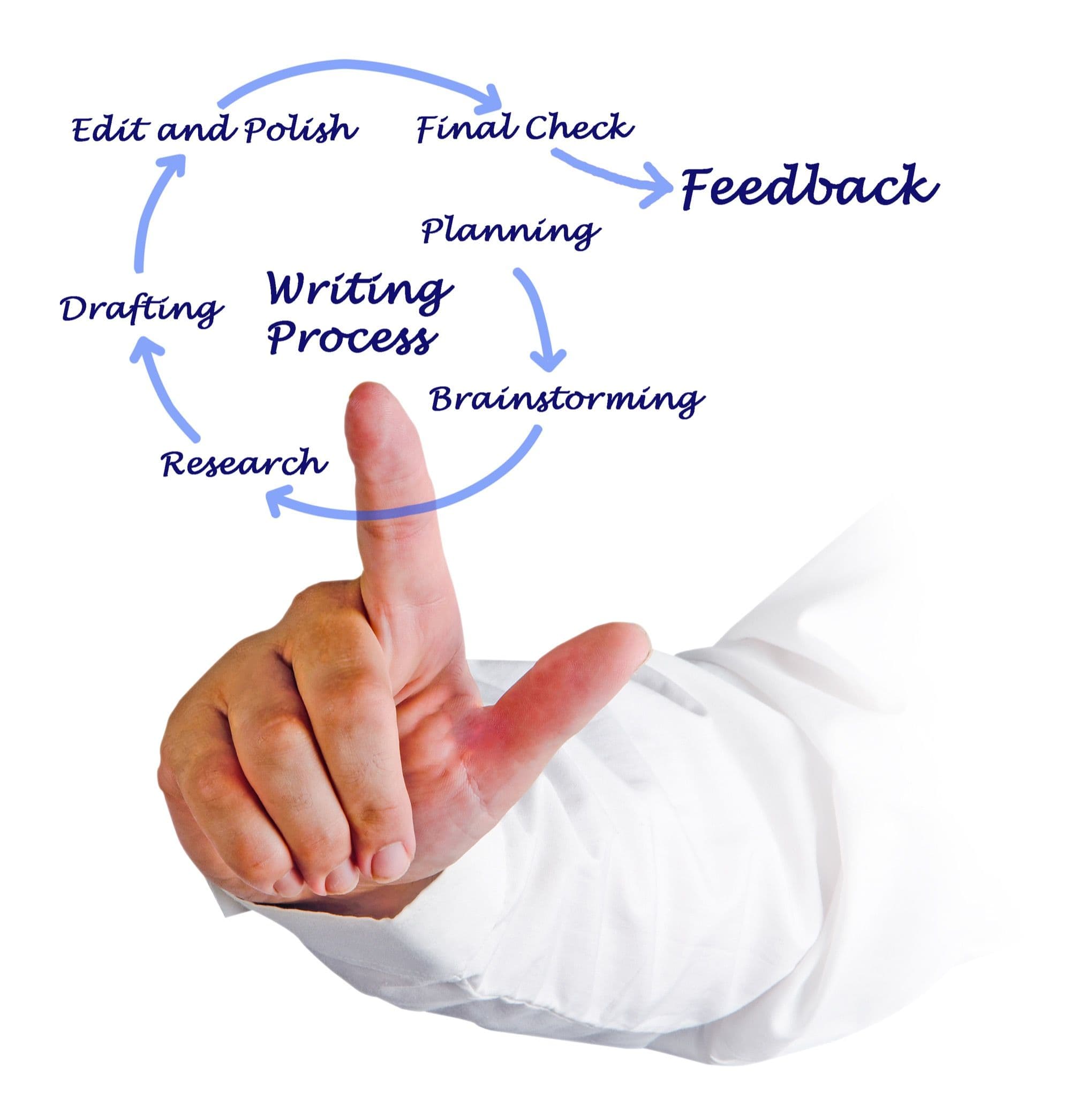
Design a structured testimonial approval workflow covering quality review, legal clearance, customer sign-off, and publication. Includes templates and checklists.
How to Automate Your Testimonial Collection (Without Losing Authenticity)
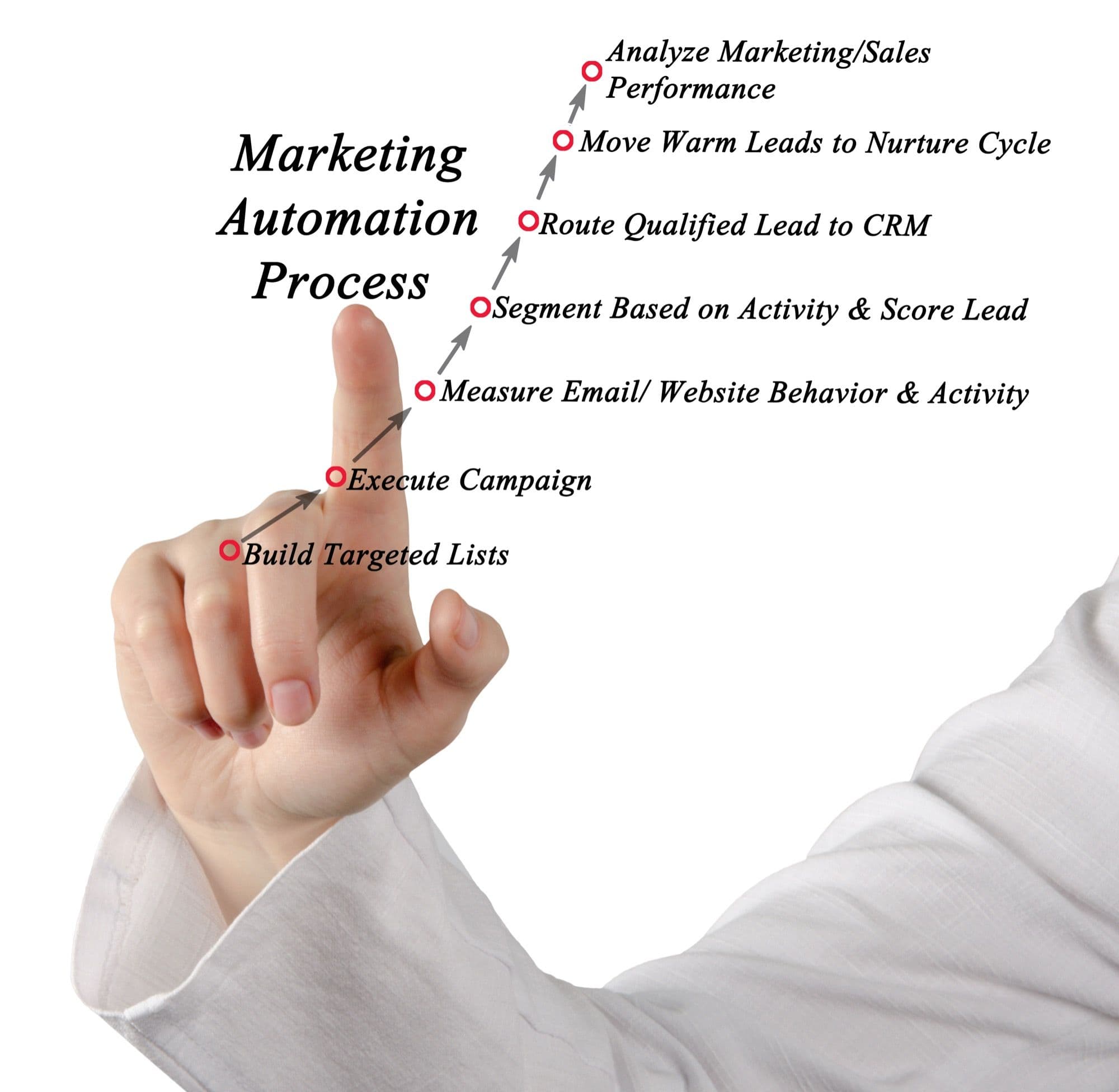
Learn how to build automated workflows that collect customer testimonials at scale while keeping every response genuine and personal.

Build trust.
Drive revenue.
Stop losing customers to a lack of social proof. Start collecting and showcasing high-converting testimonials today.