How to Use Testimonials on Your Pricing Page to Increase Conversions
A strategic guide to placing testimonials on your pricing page — which quotes to choose, where to position them, and how to handle objections that kill conversions.
Pavel Putilin
Founder
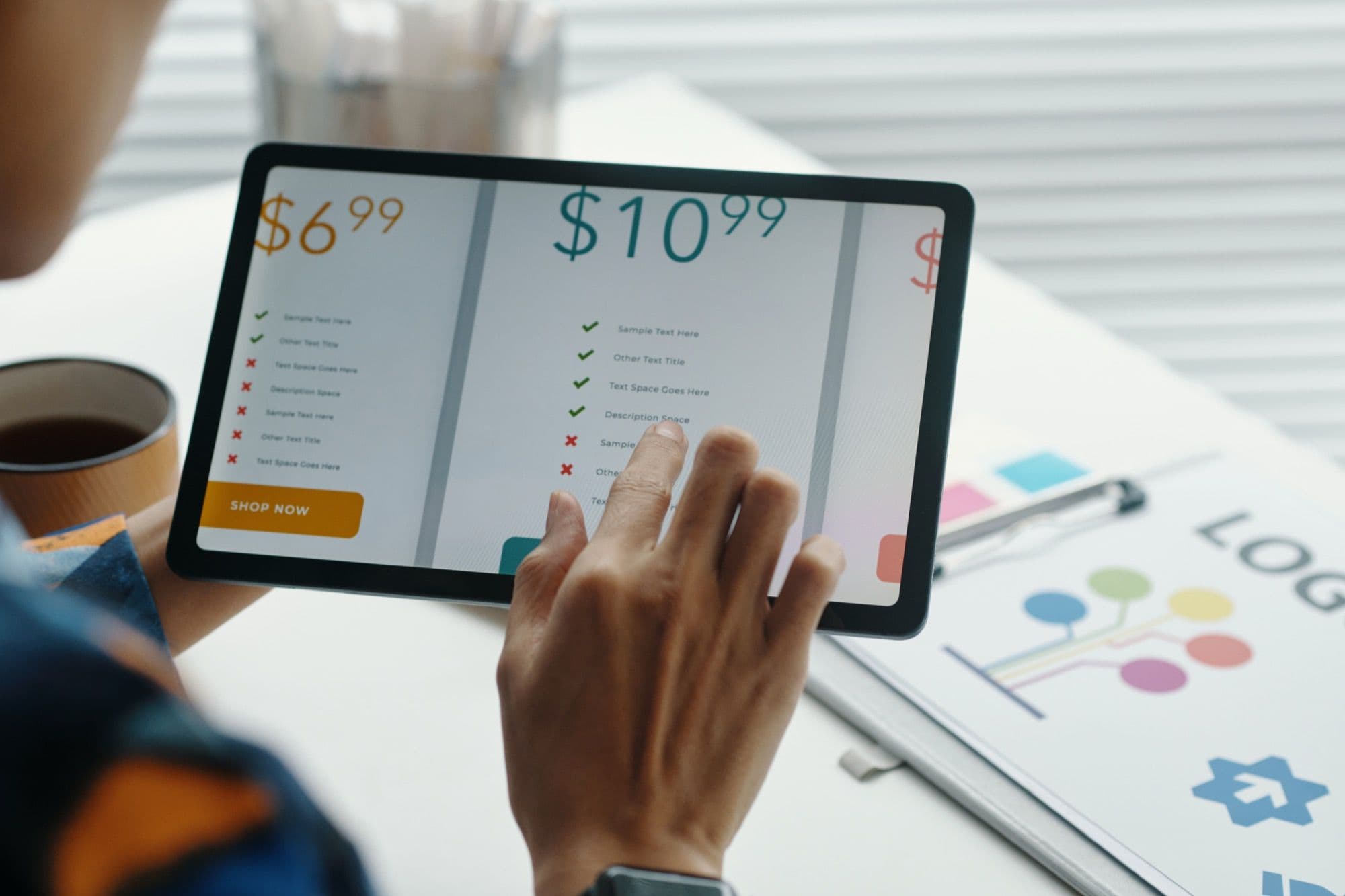
Your pricing page is where decisions happen. It's the moment a visitor transitions from "this looks interesting" to "take my money" — or clicks the back button and disappears forever. And yet, most companies treat their pricing page as a spreadsheet: feature columns, price tiers, a toggle for monthly vs. annual billing, and nothing else.
That's a mistake. The pricing page is one of the highest-leverage places on your entire site for social proof, and specifically for testimonials. Done right, a few well-chosen quotes placed in the right positions can increase plan upgrades by 15% or more and meaningfully reduce the drop-off rate that plagues most SaaS pricing pages.
This guide covers the strategy behind testimonial placement on pricing pages — not generic advice, but specific tactics backed by A/B testing data and conversion research.
Why the Pricing Page Is Different from Every Other Page
Before we get into tactics, it's worth understanding why pricing pages require a different approach to testimonials than your homepage or landing pages.
The visitor's mindset is different. Someone on your pricing page has already passed the awareness and consideration stages. They know what your product does. They think it might be a fit. Now they're evaluating whether the price is worth it. This means:
- They're doing mental cost-benefit analysis in real time
- They're looking for reasons the investment will pay off
- They're worried about making the wrong choice (especially on higher tiers)
- They're comparing you against alternatives they've already researched
Generic testimonials like "Great product, love it!" do nothing here. The testimonials on your pricing page need to directly address the value-for-money calculation happening in the visitor's head.
The page structure creates natural placement opportunities. Pricing pages have a predictable visual structure — tier cards, feature comparisons, FAQ sections, CTAs. Each of these creates a natural "seam" where a testimonial can reduce friction at the exact moment it arises.
Stop losing customers to weak social proof
VideoTestimonials lets you collect, manage, and embed video + text testimonials in minutes. Free for 7 days, no credit card.
The 5 Testimonial Positions That Move the Needle
Not all positions on a pricing page are equal. Through extensive A/B testing across SaaS, e-commerce, and service businesses, five placement positions consistently outperform others.
Position 1: Directly Below the Pricing Tier Cards
This is the most impactful position. After scanning the tiers and prices, the visitor's immediate reaction is either "that's reasonable" or "that seems expensive." A testimonial strip placed directly below the pricing cards catches people in that evaluation moment.
What works here:
- A horizontal row of 2–3 short testimonials (1–2 sentences each)
- Each testimonial should mention a specific outcome: revenue increase, time saved, problem solved
- Include the person's name, role, and company — credibility markers matter at this stage
- If possible, match each testimonial to a tier (e.g., a startup founder's quote near the Starter plan, an enterprise leader's quote near the Business plan)
Example format:
"We switched from [Competitor] to [Your Product] on the Pro plan and saw a 40% increase in trial-to-paid conversion within 60 days." — Sarah Chen, Head of Growth at Acme SaaS
This works because it answers the unspoken question: "Will I actually get enough value to justify this price?"
Position 2: Next to Each Tier's CTA Button
Place a single short testimonial or customer metric directly adjacent to (usually below) each tier's call-to-action button. This is the last thing someone sees before clicking "Start Free Trial" or "Subscribe."
What works here:
- One-line testimonials that mention the specific plan or tier
- Micro-proof like "Trusted by 2,400+ companies" or a row of small logos
- Star ratings with a count: "4.8/5 from 340 reviews on G2"
The goal is to provide a final nudge of reassurance at the exact moment of commitment. Even a simple "Join 500+ teams on this plan" below the CTA can improve click-through by 8–12%.
Position 3: Inside the Feature Comparison Table
If your pricing page includes a feature comparison table (and it should), testimonials embedded within the table create powerful contextual proof. This works especially well for features that are hard to evaluate on paper.
Example: Next to a row about "Priority Support," include a small quote: "Their support team responds in under 2 hours. We've never waited more than 30 minutes on the Business plan." — Mark Rivera, CTO
This is more effective than listing "Priority Support" with a checkmark because it gives the feature tangible, human meaning.
Position 4: In the FAQ Section
Every pricing page should have an FAQ section addressing common objections: "Can I cancel anytime?", "Is there a setup fee?", "What happens when I hit my usage limit?" Embed relevant testimonials within or between FAQ answers.
Example: After the FAQ about cancellation policy, add: "I was hesitant about the annual plan, but the ROI was clear within the first month. Best decision we made." — Jamie Park, Marketing Director
This placement works because FAQs are read by visitors who are actively working through objections. A testimonial that mirrors their concern and resolves it carries disproportionate weight.
Position 5: As a Social Proof Bar Above the Fold
A horizontal bar at the very top of the pricing page — above the tier cards — sets the frame for everything below. This isn't a full testimonial; it's a trust signal.
What works here:
- Logo bars of recognizable customers (5–8 logos)
- A single line: "Trusted by 10,000+ businesses worldwide"
- Aggregate review score: "Rated 4.9/5 on G2 and Capterra"
This primes the visitor with credibility before they even look at prices. It shifts their frame from "can I trust this company?" to "which plan is right for me?" — a much better starting mental position.
Which Testimonials to Choose (and Which to Avoid)
The selection of testimonials for your pricing page should be deliberate. Not every happy customer quote belongs here.
Choose Testimonials That:
-
Mention specific ROI or outcomes. "Increased our conversion rate by 34%" beats "Really happy with the product" by a mile. Numbers create mental anchors that justify price.
-
Reference the product's value relative to cost. Quotes that explicitly say "worth every penny," "pays for itself," or "best investment we made this year" directly address the price objection.
-
Come from recognizable companies or titles. On the pricing page, credibility markers carry extra weight. A quote from a VP of Marketing at a known brand is more persuasive than an anonymous first name.
-
Match your target segments. If you have distinct buyer personas (startups vs. enterprise, marketers vs. developers), choose testimonials from people who match each tier's target audience.
-
Mention switching from a competitor. "We moved from [Competitor] and never looked back" is powerful because it validates the decision to choose you and addresses comparison shopping, which is happening in real time on the pricing page.
Avoid Testimonials That:
- Are generic or vague ("Love this tool!")
- Focus on features rather than outcomes ("The dashboard is nice")
- Come from unknown individuals with no company affiliation
- Are excessively long (pricing page testimonials should be 1–3 sentences)
- Mention your free plan (you're trying to drive paid conversions here)
Handling Specific Objections with Testimonials
Every pricing page faces a predictable set of objections. You can map testimonials to each one.
"Is it worth the price?"
Use testimonials that quantify ROI. Example: "We recouped the annual cost within the first two weeks through increased conversion rates alone."
"What if it doesn't work for my use case?"
Use testimonials from diverse industries and company sizes. If someone in their industry or at their company stage had success, the perceived risk drops dramatically.
"Should I start with the cheaper plan?"
Place testimonials from customers who upgraded near the mid-tier or top-tier cards. Example: "We started on the Starter plan but upgraded to Pro within a month — the extra features more than justified the cost." This normalizes upgrading and anchors toward higher tiers.
"What if I need to cancel?"
Use testimonials that mention long-term value. Example: "We've been on the Business plan for 18 months now, and it's become an essential part of our workflow." Longevity implies satisfaction, which reduces cancellation anxiety.
"Is the annual plan actually worth it?"
This is a critical one for SaaS companies. Place a testimonial near the monthly/annual toggle that explicitly endorses the annual commitment: "Switching to annual billing was a no-brainer. The savings funded our entire Q2 ad budget."
A/B Testing Your Pricing Page Testimonials
You should test everything. Here are the specific tests that tend to produce the clearest results.
Test 1: Testimonials vs. No Testimonials
Start with the baseline. Run your current pricing page against a version with 3–4 strategically placed testimonials. Track plan selection rate, upgrade rate, and overall conversion. In most cases, you'll see a 10–20% lift, which justifies further optimization.
Test 2: Text Testimonials vs. Video Testimonials
Video testimonials on pricing pages tend to outperform text by 15–25% in conversion rate. However, they also increase page load time and can feel intrusive if autoplayed. Test a thumbnail with a play button versus inline text quotes. For more on measuring video testimonial impact, see our analysis of video testimonial ROI.
Test 3: Generic Testimonials vs. Tier-Specific Testimonials
Create two versions: one with the same testimonials displayed for all tiers, and one where each tier has testimonials tailored to its target audience. Tier-specific testimonials typically lift conversion on higher-priced plans, where the need for justification is greatest.
Test 4: Placement Position
Test the five positions described above individually. Start with Position 1 (below pricing cards) as your baseline, then add Position 5 (social proof bar above the fold). Measure incremental lift for each addition.
Test 5: Quantity
More isn't always better. Test 2 testimonials versus 4 versus 6. On pricing pages, 3–4 testimonials is usually the sweet spot. Beyond that, you risk cluttering the page and distracting from the primary action.
Real-World Results: What the Data Shows
Across companies that have systematically added testimonials to their pricing pages, the results cluster around these benchmarks:
- Overall pricing page conversion lift: 12–18% average
- Upgrade to higher tier: 15–22% increase when tier-specific testimonials are used
- Annual plan selection: 8–14% increase when testimonials endorse annual billing
- Bounce rate reduction: 5–10% decrease (visitors stay longer to read testimonials)
- Time on page: 25–40% increase (more engagement, more consideration)
These numbers compound. A 15% lift in conversion rate multiplied by a 10% increase in annual plan selection multiplied by a 20% increase in higher-tier upgrades adds up to a significant revenue impact from what amounts to a few hours of work selecting and placing testimonials.
Implementation Checklist
Here's a step-by-step checklist for adding testimonials to your pricing page this week:
-
Audit your current testimonials. Pull every customer quote, review, and case study you have. Tag each with the outcome mentioned, the customer's role/company, and the tier they're on.
-
Map testimonials to objections. Use the objection framework above. Identify gaps — objections you don't have testimonial coverage for — and prioritize collecting new testimonials to fill them.
-
Select 4–6 testimonials for your pricing page. Choose based on specificity, credibility, and relevance to your target audience.
-
Place them in positions 1 and 5 first. These two positions (below pricing cards and social proof bar above fold) deliver the most impact with the least design disruption.
-
Set up your A/B test. Use your testing tool to measure conversion rate, plan distribution, and revenue per visitor.
-
Review and rotate quarterly. Testimonials go stale. Replace them with fresh quotes every 2–3 months to maintain recency and relevance. For a broader perspective on where testimonials work beyond the pricing page, see our guide on where to display testimonials.
Common Mistakes to Avoid
Mistake 1: Using the same testimonials everywhere. Your homepage, landing pages, and pricing page should each feature different testimonials optimized for the stage of the buyer's journey they represent.
Mistake 2: Hiding testimonials at the bottom. If testimonials are below a long feature comparison table that most people don't scroll past, they're invisible. Place them where eyes naturally go.
Mistake 3: Not including credibility markers. A testimonial without a name, title, and company logo looks fabricated — even if it's real. Always include full attribution.
Mistake 4: Overloading the page. Your pricing page has one job: get visitors to select a plan and click the CTA. Testimonials support that job but shouldn't overwhelm the primary content. Three to four testimonials is the sweet spot.
Mistake 5: Ignoring mobile. Over 50% of pricing page visits happen on mobile. Test how your testimonials render on small screens. Long quotes break mobile layouts. Short, punchy quotes with clear attribution work best.
The Bottom Line
Your pricing page is the most commercially important page on your site, and most companies leave conversion on the table by treating it as a feature spec sheet. Adding strategically chosen, well-placed testimonials transforms the pricing page from a passive menu into an active selling tool.
Start with the five positions outlined here. Choose testimonials that speak to ROI, value, and specific outcomes. Test methodically. Rotate regularly.
The lift won't be incremental — it'll be the single biggest improvement you make to your conversion funnel this quarter.
Pavel Putilin
·FounderFounder of VideoTestimonials. Passionate about helping businesses build trust through authentic customer stories and video social proof.
Frequently asked questions
Where should I place testimonials on a pricing page+
The five highest-impact positions are directly below the pricing tier cards, next to each tier's CTA button, inside the feature comparison table, in the FAQ section, and as a social proof bar above the fold. Start with below the cards and the top-of-page bar, since they deliver the most lift with the least design disruption.
What kind of testimonials work best on a pricing page+
Choose quotes that address the value-for-money calculation — specific ROI or outcomes, value-relative-to-cost phrases like pays for itself, recognizable companies or titles, and mentions of switching from a competitor. Avoid vague praise, feature-only comments, and anything that highlights your free plan when you are trying to drive paid conversions.
How much can pricing page testimonials increase conversions+
Companies that systematically add testimonials to pricing pages typically see a 12 to 18 percent conversion lift, a 15 to 22 percent increase in higher-tier upgrades when testimonials are tier-specific, and an 8 to 14 percent lift in annual plan selection when a quote endorses annual billing. These effects compound.
How many testimonials should a pricing page have+
Three to four is usually the sweet spot. Beyond that you risk cluttering the page and distracting from the primary action, which is getting visitors to select a plan and click the CTA. Rotate them every two to three months to keep them fresh.
Related Glossary Terms
Anchoring Bias
The tendency to rely heavily on the first piece of information encountered when making subsequent judgments.
Cross-Sell
Selling complementary products or add-on services to existing customers alongside their current subscription.
Freemium
A pricing model that offers a free tier with basic features and charges for premium capabilities.
Monthly Recurring Revenue (MRR)
The predictable, normalized monthly revenue from all active subscriptions in a SaaS business.
Perceived Risk
The level of uncertainty a buyer feels about the potential negative outcomes of a purchase decision.
Upsell
Encouraging existing customers to upgrade to a higher-tier plan or add premium features.
Related Articles
Related Articles

Using Testimonials in Sales Proposals to Close More Deals
How to strategically place customer testimonials in sales proposals to build trust, overcome objections, and close more B2B deals. Includes placement tips, selection criteria, and video embedding.

Adding Testimonials to Your Email Marketing: A Conversion Playbook
How to embed testimonials in welcome sequences, abandoned cart emails, newsletters, and more. Practical strategies to boost email conversions with social proof.

LinkedIn Testimonial Strategy: How B2B Companies Use Social Proof to Generate Leads
A complete LinkedIn testimonial strategy for B2B companies. Covers organic posts, company pages, employee advocacy, InMail outreach, and lead generation tactics using social proof.

Build trust.
Drive revenue.
Stop losing customers to a lack of social proof. Start collecting and showcasing high-converting testimonials today.